Rehearse a presentation by listening to your script
Listening to speaker notes exposes unclear sentences and weak transitions before an audience hears them. A useful rehearsal is simple: play the whole deck, revise what sounds wrong, then repeat it two or three times.
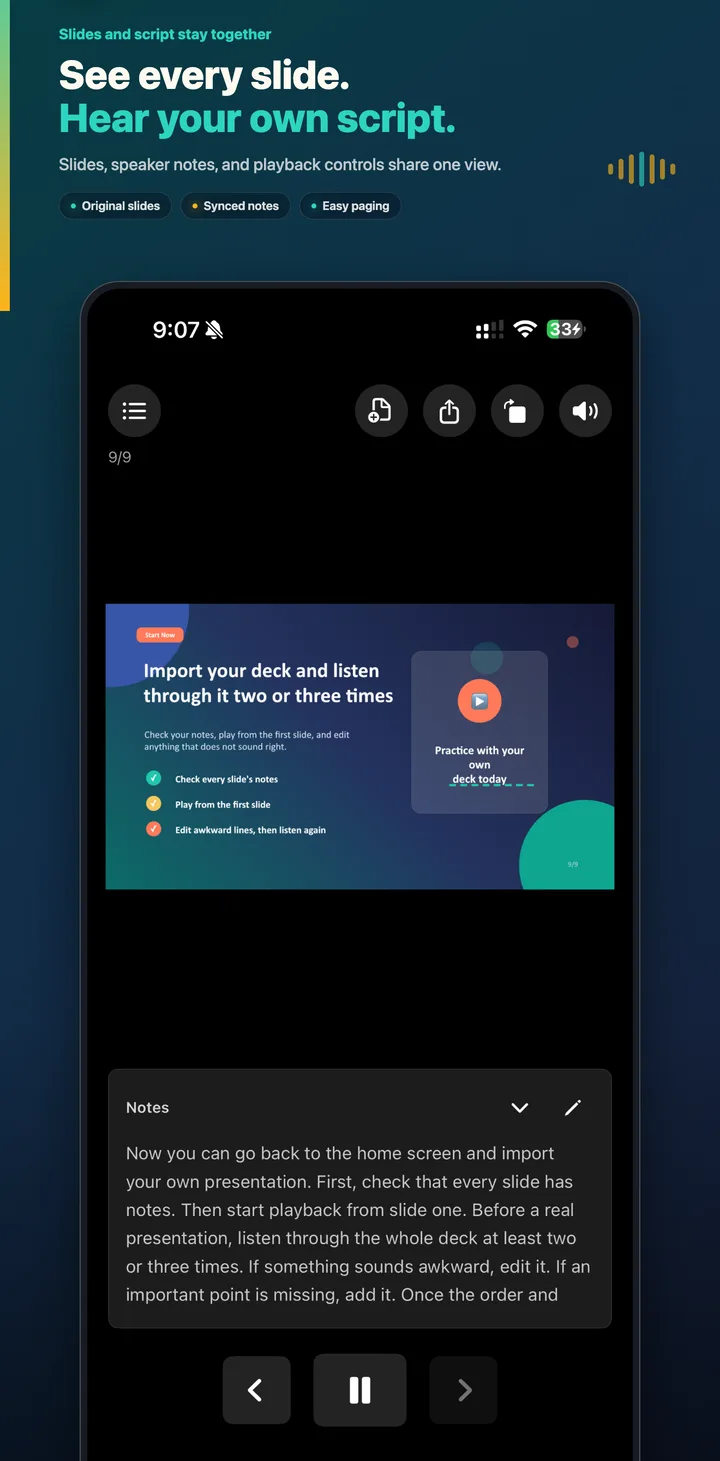
Why listening helps
A script can look correct on screen but still sound unnatural when spoken. Long sentences, repeated words, missing context, and abrupt transitions become easier to notice when the notes are read aloud. Listening also lets you learn the sequence without staring at a document.
The goal is not to memorize every word. It is to become familiar with the order of the slides, the point of each page, and the sentence that connects one idea to the next.
A three-pass rehearsal
First pass: check completeness
Start from slide one and listen without stopping unless something is clearly missing. Confirm that every slide has notes and that the spoken content matches what the audience sees.
Second pass: improve the wording
Pause when a sentence is difficult to follow. Shorten it, replace formal written phrases with words you would naturally say, and replay the slide. Check transitions between sections, not only individual pages.
Third pass: learn the flow
Play the full deck again with as few interruptions as possible. Focus on the order, emphasis, and timing. By this point, each slide should remind you what comes next.
Use the slide as a cue, not a teleprompter
Speaker notes work best when they hold the explanation that is not already visible on the slide. Keep the slide concise, then let the note provide context, evidence, or a transition. During rehearsal, look at the slide while the note plays and confirm that they support the same point.
Practice away from the desk
Background audio and headphones make a second or third pass easier to fit into the day. You can listen while walking or preparing for the meeting, then return to the screen only when a section needs editing. If headphones disconnect, Tingbo pauses automatically.
What to check before presenting
- Every slide has the correct speaker note.
- The opening states the purpose quickly.
- Each section has a clear transition.
- Numbers and names are easy to pronounce.
- The conclusion repeats the main point and next action.
- The complete narration fits the available time.
Practicing on your phone? Follow the three-pass iPhone presentation practice routine.