PowerPoint notes reader features
Tingbo keeps slides, speaker notes, and narration in one focused player. It is designed for people who want to hear a presentation before delivering it.
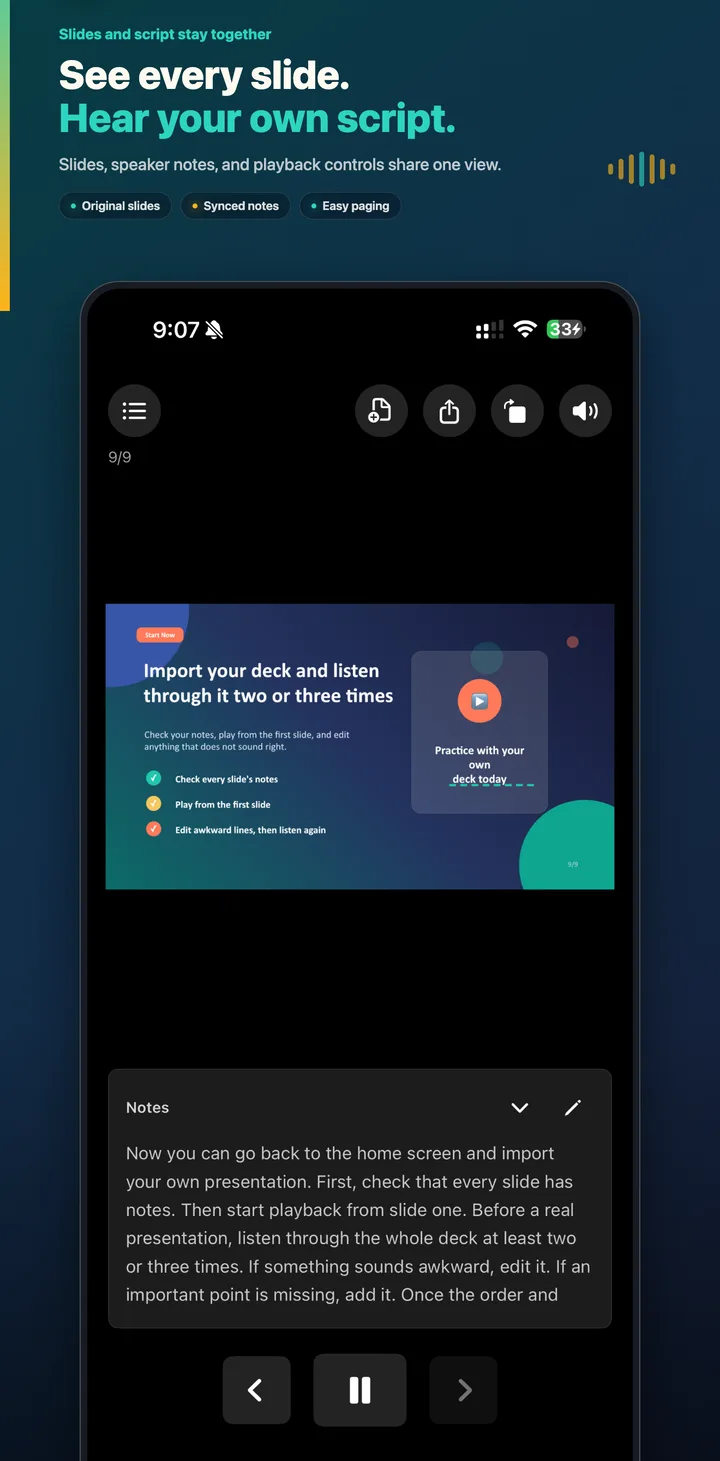
Read speaker notes aloud, slide by slide
Import a PPT or PPTX file and Tingbo connects each slide with its own speaker note. Tap Play when you are ready. The app uses the device's text-to-speech voice to read the current note, so the spoken script stays aligned with the slide you see.
When narration finishes, Tingbo can advance immediately to the next slide. You can pause, replay, or move backward and forward at any time.
Edit the script during rehearsal
Open the notes panel without leaving the presentation. Edit a sentence, save it, and replay the slide to hear whether the wording now sounds natural. Edited notes remain available when the presentation is reopened.
Browse slides like photos
Swipe to change pages, pinch to zoom, and drag a zoomed slide to inspect details. Portrait and landscape layouts adapt the position of the slide, notes, and playback controls. When a zoomed slide reaches its edge, the next swipe can continue to the adjacent page.
Keep listening in the background
Background audio makes it possible to rehearse while the screen is locked or while another app is open. Headphone output follows the active device route. If headphones disconnect, Tingbo pauses so the script does not suddenly play through the speaker.
Manage presentations and export notes
The history panel lists previously imported presentations so you can reopen or delete them. You can export speaker notes as Markdown for review outside the app, or export a PPTX copy when that format is available for the imported deck.
File and platform support
- PPTX: supported. Image-based decks can be parsed locally; complex editable layouts may require rendering conversion.
- PPT: supported through presentation conversion.
- Keynote: export a PowerPoint copy in Keynote, then import the resulting PPTX.
- iOS: available for iPhone and iPad from the App Store.
- Android: available from Download on Google Play.
- HarmonyOS: a separate edition exists; public store availability varies.