PPT notes reader for iPhone
What it does: Tingbo is a mobile PPT notes reader that shows your slide and speaker notes together, then reads the notes aloud with the iPhone’s system voice. It is designed for presentation review and rehearsal, not for presenting slides to an audience.
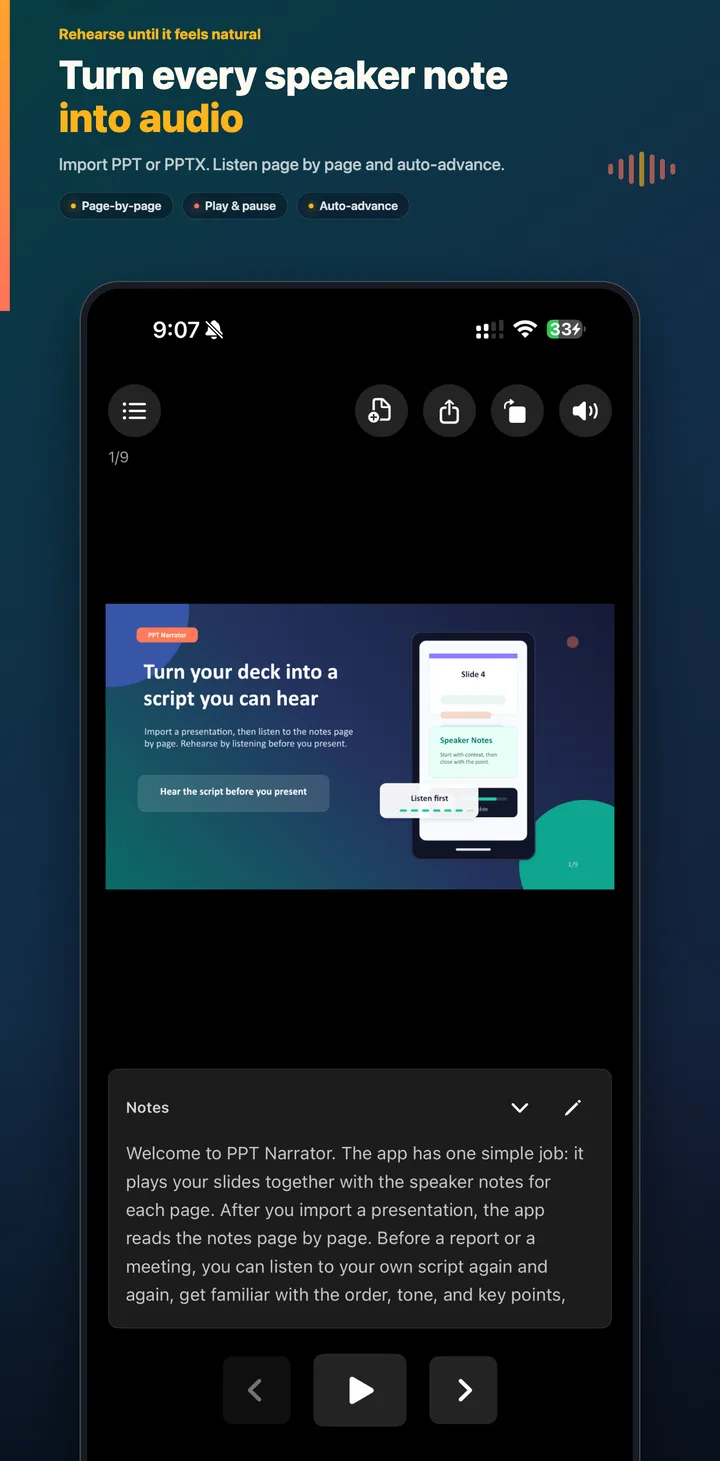
How to read PPT notes on iPhone
- Save your PPT or PPTX file in the iPhone Files app.
- Open the presentation in Tingbo and review the imported slides and notes.
- Open a slide and tap Play to hear its speaker notes.
- Pause, replay, edit, or move to another slide when you find something to improve.
Why use a notes reader instead of reading silently?
Silent reading can hide sentences that are too long, repeated ideas, and transitions that do not sound natural. Hearing the notes gives you a quick rehearsal loop: listen, edit the sentence, and replay the slide. Tingbo can also advance through the deck as narration finishes, so you can hear the presentation as one continuous story.
Supported presentation workflow
Use a PPT or PPTX exported from PowerPoint, Google Slides, or another compatible editor. If your source is Google Slides, follow the Google Slides speaker notes to PPTX guide. Keynote files may need to be exported to a supported format first, depending on the file version.
Useful for presentation practice
Start with one uninterrupted listen to find missing notes and confusing sections. Then edit the notes and replay only the slides that need work. A final full-deck listen helps you check timing, transitions, and whether the conclusion lands clearly. See the three-pass iPhone presentation practice routine for a repeatable checklist.